
Clear Containers is where feast-forward platforms are made. Strategy that fits inside a life. Recipes for revenue & the table. We've got the moss + hijiki salad, fried clams, buttered rolls & pomegranate for building a micro-economy around who & what you already love. (For us that's a coastal forage, found fruit, & field notes for feeding a mass of friends outdoors, while building something real on the side.)
welcome to
clear containers
FEAST-FORWARD INCOME-STREAM STRATEGY
FOOD BLOGGING TIPS
FOOD + FAMILY WAYS
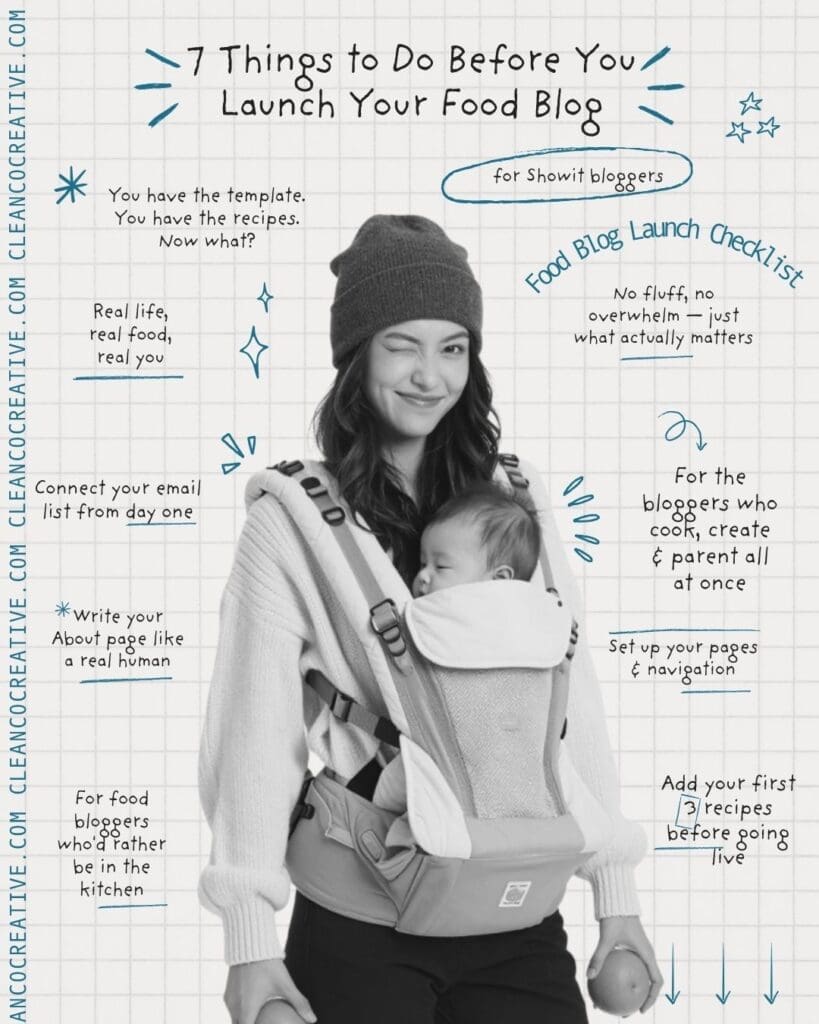
To monetize a food blog on Showit, complete these steps in order: load your branding into global design settings, write your website copy in a Google Doc before customizing, upload and compress your food photography, configure your blog template pages, fill in every SEO field, test the full site on mobile and desktop, then submit to Google Search Console on launch day. Showit pairs with WordPress for blogging, which means your blog content only populates on the live site — not inside the Showit editor. This is normal. >>> You got this. And…we can do this for you, too. <<<
You have the template. You have the recipes. You have the vision of what this thing is supposed to be.
And you’d rather be in the kitchen than staring at a checklist.
We get it. So here’s what actually needs to happen before you go live — no fluff, no overwhelm, just the 7 things that make the difference between a site that works while you’re at the farmers market and one that quietly confuses the people trying to find you.
Come sit. Let’s map it.
01. Load your branding first — before you touch anything else
Your logo files. Your colors. Your fonts. Get these into Showit’s global design settings before you move a single element. It sounds small. It isn’t. This one step means your entire site updates at once instead of one canvas at a time.
Your visual brand is doing quiet work the moment someone lands. Make sure it’s doing yours.
02. Write your copy before you customize the design
This is the one people skip. Don’t. Open a Google Doc alongside your template and write page by page before you move a single element. The placeholder text is there to show you the structure.
For food bloggers, your copy needs to answer five things: What’s the food you write about? Who is it for? Why does your kitchen have something theirs doesn’t? What makes your approach distinct? And where do they go next?
“Weeknight dinners that stretch a whole chicken five ways” is a platform. “I love food and sharing recipes” is not.
03. Upload + optimize your food photography
Your photography is doing the inviting. It’s the table setting before the meal.
Size your images between 1500px and 3500px wide. Run everything through TinyJPG before uploading. Add ALT text to every single photo — not “food photo” but “overhead shot of tamarind braised short ribs with pickled daikon.” Organize your media library into folders from day one.
04. Set up your blog template pages
Your Showit template already includes these. Review them, don’t rebuild. The Post List page is your blog’s front door. The Single Post page is the template that wraps every recipe and story.
One thing worth knowing: inside the Showit editor, these pages will look empty. Your content only populates when the site is live. That blank canvas is not a problem. It’s just how the system works.
05. Fill in every SEO field — every single one
Every page in Showit has a title field and a meta description. These are what show up in Google search results. Don’t leave them blank. Think about how someone searches when they’re hungry and curious.
Give every page a title that tells the truth about what’s there. Write meta descriptions like you’re writing a market sign — specific, warm, worth stopping for.
06. Test everything like you’re a stranger
Before you announce anything, pretend you’ve never seen this site. Click every link. Submit your contact form. Sign up for your own email list. Read every page on your phone. Pay particular attention to Pinterest — for food bloggers, it’s often the single biggest traffic driver.
07. Launch — then market
The site going live is not the finish line. It’s the starting gun. Pin your first posts to Pinterest the same day. Announce on Instagram. Email your list. Submit your site to Google Search Console.
Your Showit template gave you a feast-forward foundation. Now it’s time to set the table and invite your people in. The season is right.
Food Blog FAQ SECTION
How long does it take to launch a Showit food blog?
Most food bloggers can complete the setup steps in one to two focused weeks. The longest part is usually writing website copy and organizing food photography. The Showit team sets up your WordPress blog within a few business days of your domain being connected.
Do I need to know how to code to launch a Showit food blog?
No. Showit is a drag-and-drop website builder that requires no coding knowledge. The blog runs on WordPress, which also requires no coding for standard posts. SEO plugins like Yoast and Rank Math guide you through optimization with plain-language prompts.
Why does my blog look empty inside the Showit editor?
Showit blog template pages display placeholder content inside the design editor, not your actual WordPress posts. Your real content only appears on the live published site. This is how Showit’s WordPress integration works and is not a problem with your setup.
Can I add a food blog to an existing Showit website?
Yes. If you already have a Showit website, you can add blog template pages and request a WordPress blog setup from the Showit team. You do not need to start over or rebuild your existing pages.
What is the best Showit plan for a food blogger with a blog?
Showit’s Advanced Blog plan allows additional WordPress plugins including recipe card plugins and SEO tools. Most food bloggers who plan to grow traffic through SEO and Pinterest benefit from the Advanced plan. But we recommend starting where you can, just to follow the inspiration – it will carry this crazy little idea right into full existence. We’re with you.


